

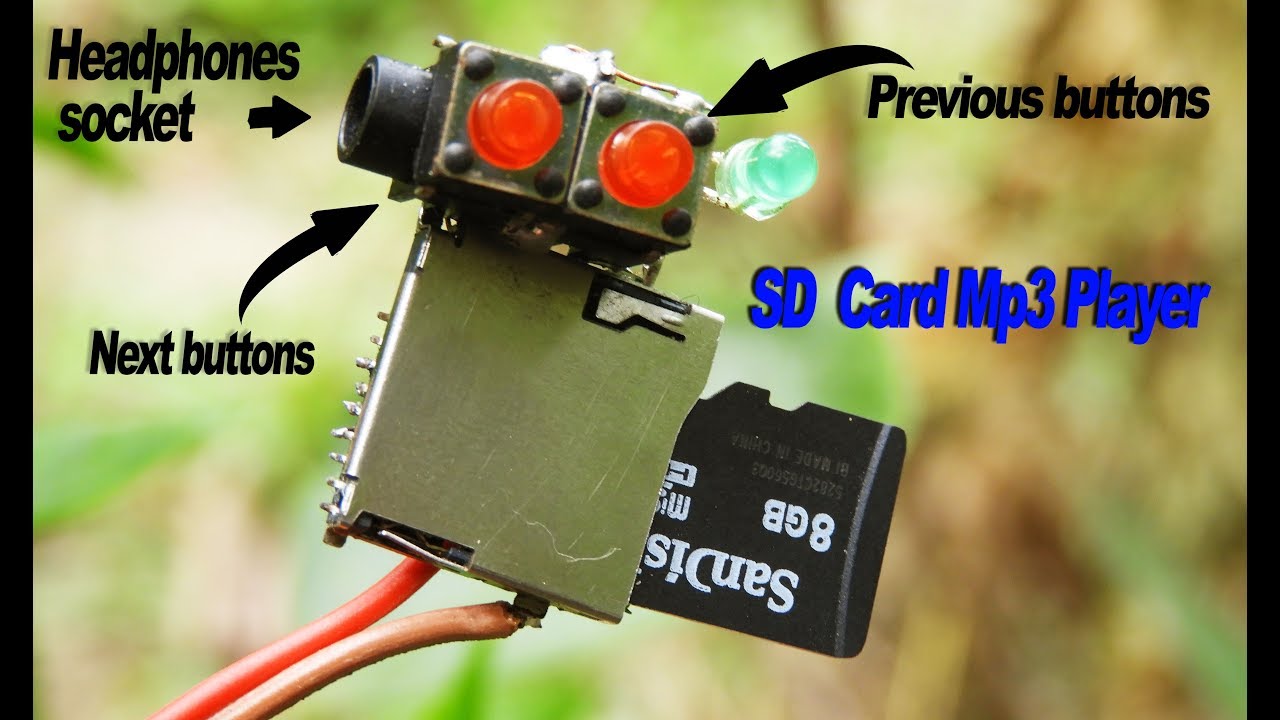
MP3 players are one of the most popular ways to listen to music. They are small, portable, and easy to use. They allow you to store and play music anywhere. An SD card is an excellent way to increase the storage capacity of your MP3 player. In this article, we will discuss the benefits of using an SD card with your MP3 player, how to choose the right SD card, and how to transfer music to the card.
Introduction to MP3 Players
MP3 players are devices that allow you to store and play digital music files. They are typically small, portable, and easy to use. They can be used to listen to music on the go, in the car, or even at home. Many MP3 players come with built-in storage, but some models are expandable with the use of an SD card.
Benefits of an SD Card
An SD card is a small, removable memory card that can be used to increase the storage capacity of your MP3 player. SD cards come in a variety of sizes, ranging from 2GB to 32GB and larger. They are also very affordable and easy to find. Using an SD card with your MP3 player will allow you to store more music and other media files on your device.
Choosing the Right SD Card
When choosing an SD card for your MP3 player, you will need to make sure that it is compatible with your device. Most MP3 players will support SD, SDHC, and SDXC cards. It is important to check the specifications of your device to make sure that the SD card you are purchasing is compatible. You will also want to consider the size of the card you need. Larger cards will allow you to store more music and other media files.
Connecting an SD Card to Your MP3 Player
Once you have chosen the right SD card for your MP3 player, you will need to connect it to your device. Most MP3 players have a slot for an SD card on the side or bottom of the device. Simply insert the card into the slot and it should be recognized by your device.
Transferring Music to an SD Card
Once you have connected your SD card to your MP3 player, you will need to transfer your music files to the card. This can be done using a computer or laptop. Simply connect your MP3 player to your computer using a USB cable and then copy the music files to the SD card.